
Setup Webhook
Create a webhook subscription for each event your application needs to receive, then validate incoming requests before processing them.
Open Webhooks Settings
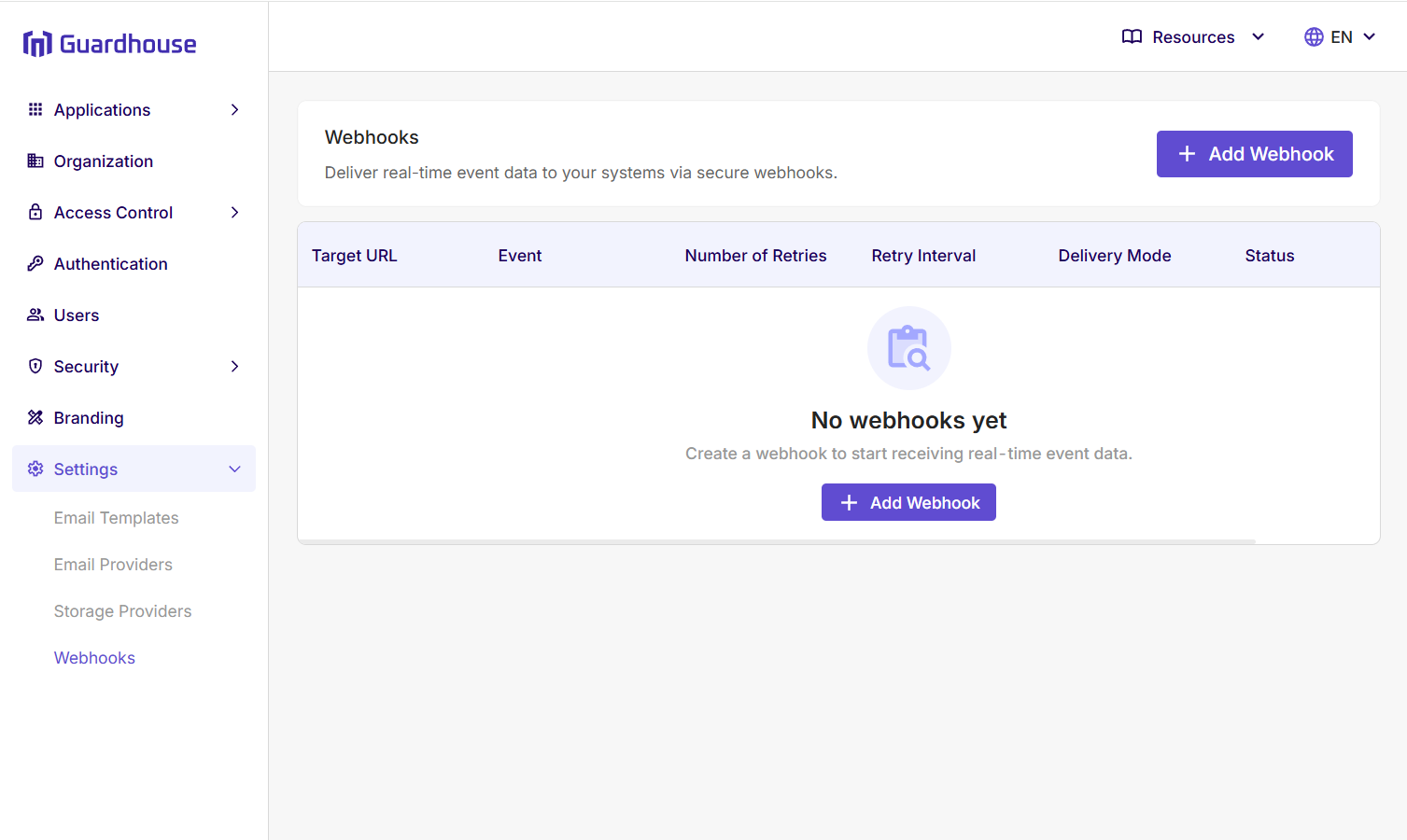
In the Guardhouse admin dashboard, open Settings and select Webhooks.
Click Add Webhook to create a new webhook subscription.
Enter Endpoint URL
In Endpoint URL, enter the target server webhook URL that should receive Guardhouse webhook requests.
Use the full absolute URL for your receiver endpoint.
Select Event
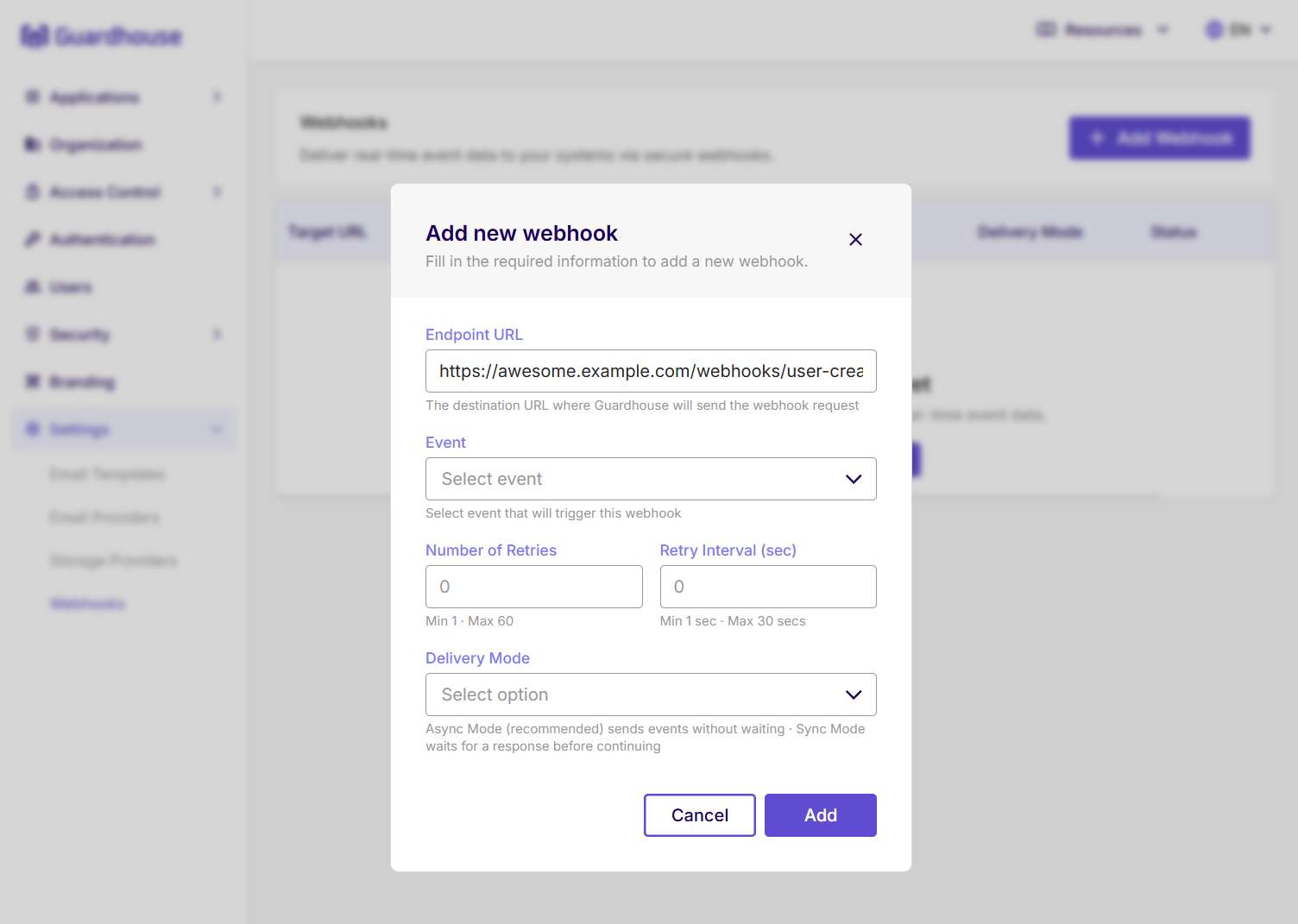
In Event, select the webhook event type that should trigger this webhook.
For example, choose User Created, User Updated, or User Activated depending on the event your receiver should handle.
Configure Retries And Delivery Mode
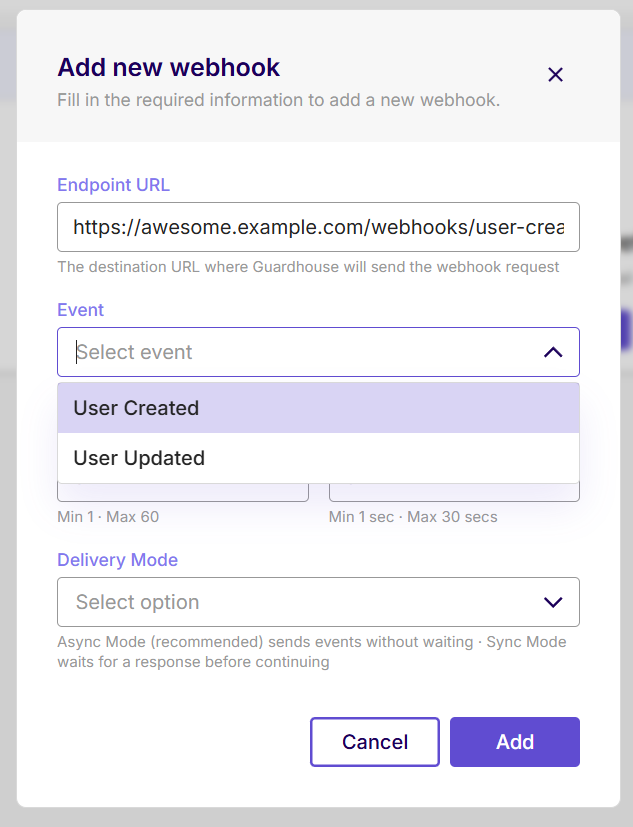
In Number of Retries, enter how many times Guardhouse should retry delivery after an unsuccessful response or transport error.
In Retry Interval (sec), enter the number of seconds Guardhouse should wait between retry attempts.
Choose the Delivery Mode:
| Mode | Behavior |
|---|---|
| Asynchronous | Guardhouse starts delivery without waiting for the receiver before continuing event processing. |
| Synchronous | Guardhouse sends the webhook during event processing and waits for delivery processing to finish, including configured retries, before continuing. |
Pending asynchronous work can be interrupted by a service restart. Do not make webhook delivery the only source of critical state. Reconcile important state through a supported API or another authoritative store.
Save Client Secret
Click Add to create the webhook subscription.
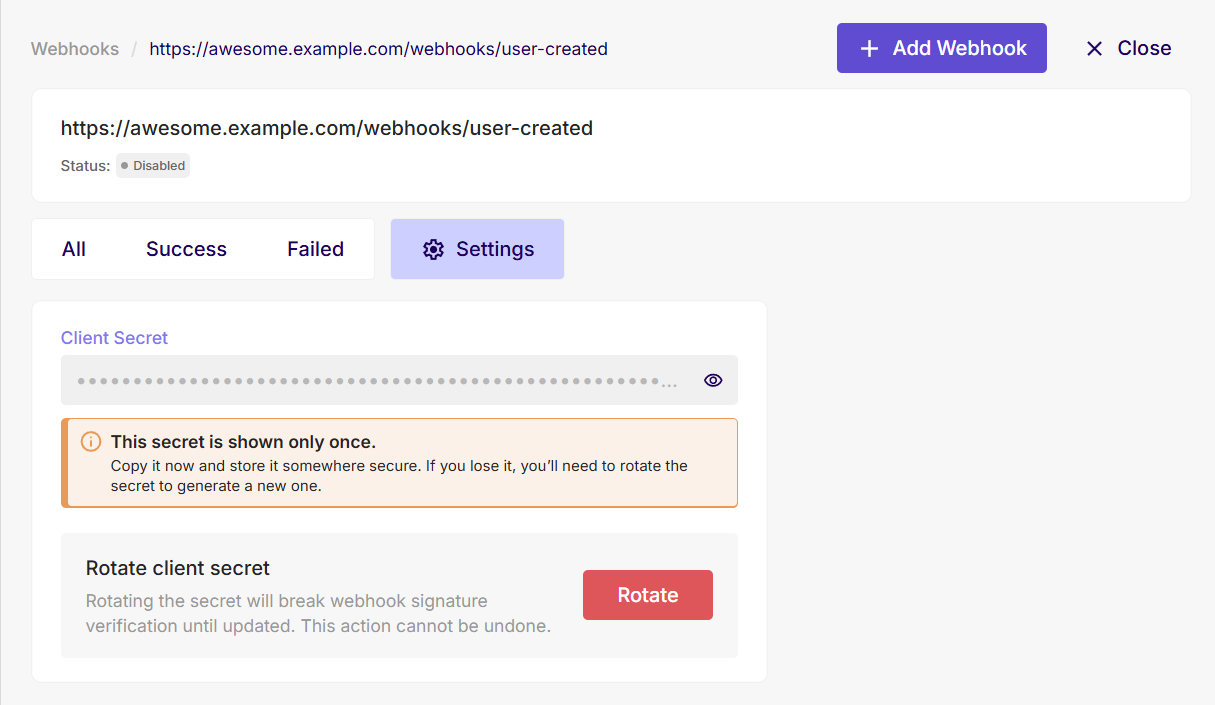
After the webhook is created, open the webhook Settings tab and copy the Client Secret.
The webhook client secret is shown only once. Copy it immediately and store it in secure secret storage.
If you lose the secret, rotate it to generate a new one. Rotating the secret breaks signature validation until your receiver is updated.
Use this secret in your SDK or webhook endpoint implementation to validate the X-Hub-Signature header before processing events.
Enable Webhook
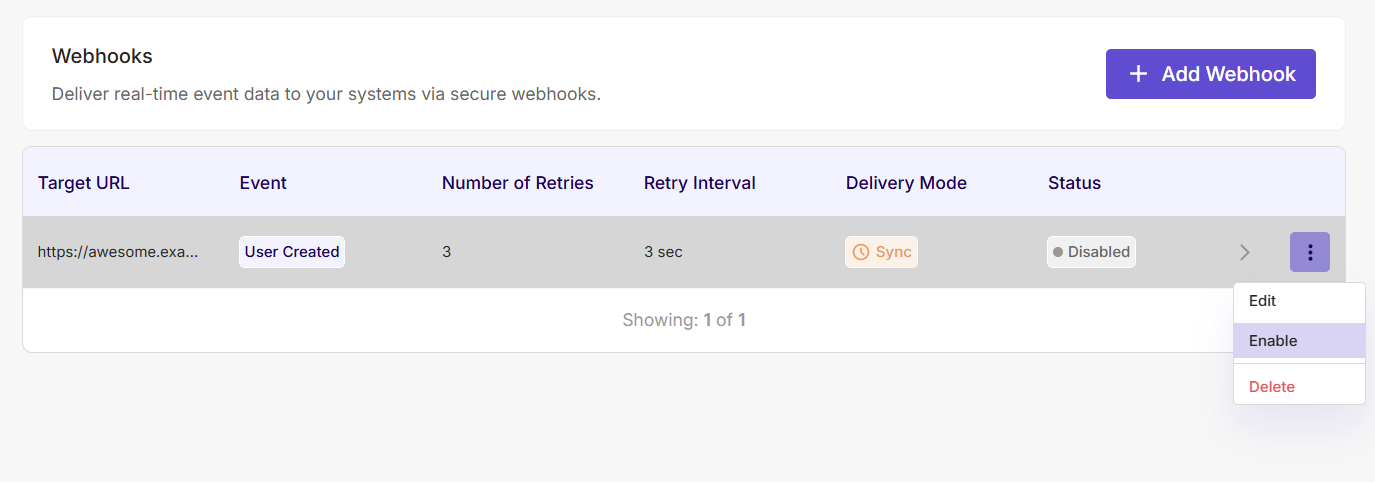
New webhook subscriptions are created disabled.
After your receiver endpoint is deployed, configured with the client secret, and ready to validate incoming signatures, enable the webhook.
From the webhook list, open the row actions menu and select Enable.
Review Delivery Logs
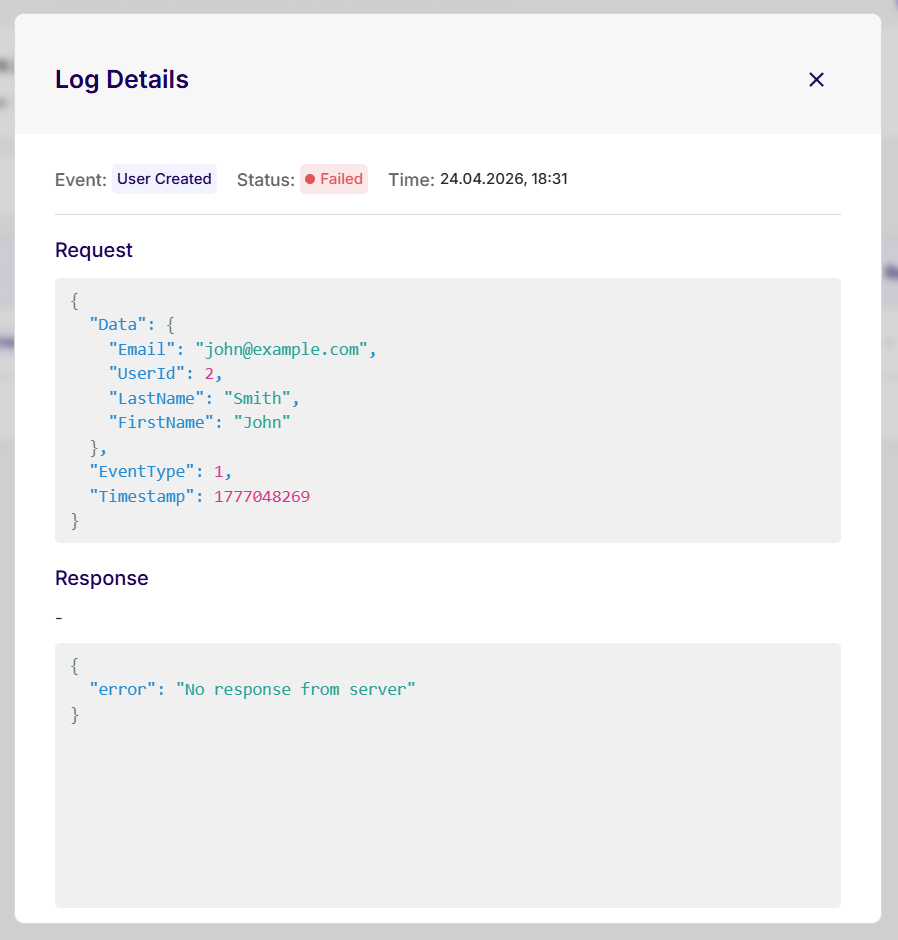
Open the webhook details page to review delivery logs.
Each log entry shows the event, delivery status, timestamp, request body, and response body. Use these logs to troubleshoot receiver errors, failed deliveries, and unexpected responses.
Configuration
Webhook subscriptions use these settings:
| Field | Description |
|---|---|
| Target URL | Absolute URL that receives Guardhouse webhook requests. |
| Event | Guardhouse event type delivered to the subscription. |
| Number of retries | Number of delivery retry attempts. |
| Retry interval | Delay between retry attempts, in seconds. |
| Delivery mode | Delivery mode configured for the subscription. |
Secret
Guardhouse provides a webhook client secret for signature validation. Store it securely and use it when validating the X-Hub-Signature header.
Receiver Requirements
Your webhook receiver should:
- Accept
POSTrequests withContent-Type: application/json - Validate the
X-Hub-Signatureheader before processing the event - Return a
2xxresponse only after the event is accepted - Return a non-
2xxresponse when the event cannot be accepted
Next Steps
- Review Events for payload shapes.
- Implement Signature Validation before processing events.
- Review Retries before designing receiver side effects.